AI Girlfriend Apps and Billing: How to Avoid Surprise Charges
Key Takeaways
- AI girlfriend apps charge three ways: subscriptions, credit packs, or a hybrid. Each has a distinct failure mode for your wallet.
- The three most common surprise charges: silent trial conversions, default annual plans, and auto-refilling credits.
- Before paying anywhere: screenshot the checkout, find the cancel button first, and turn off auto-refill on day one.
The short answer: know which of the three charge models an app uses (subscription, credits, or a hybrid), find the cancel button before you pay, and switch off auto-refill and auto-renew on day one. Do those three things and you have already dodged most of the surprise charges in this category. Billing complaints are still its most common grievance. Not because every operator is a crook, but because the pricing models are genuinely confusing, and a few apps lean into that confusion. Here's how the money actually flows, where it leaks, and how to keep your statement boring.
The three ways AI girlfriend apps charge you
1. Subscriptions
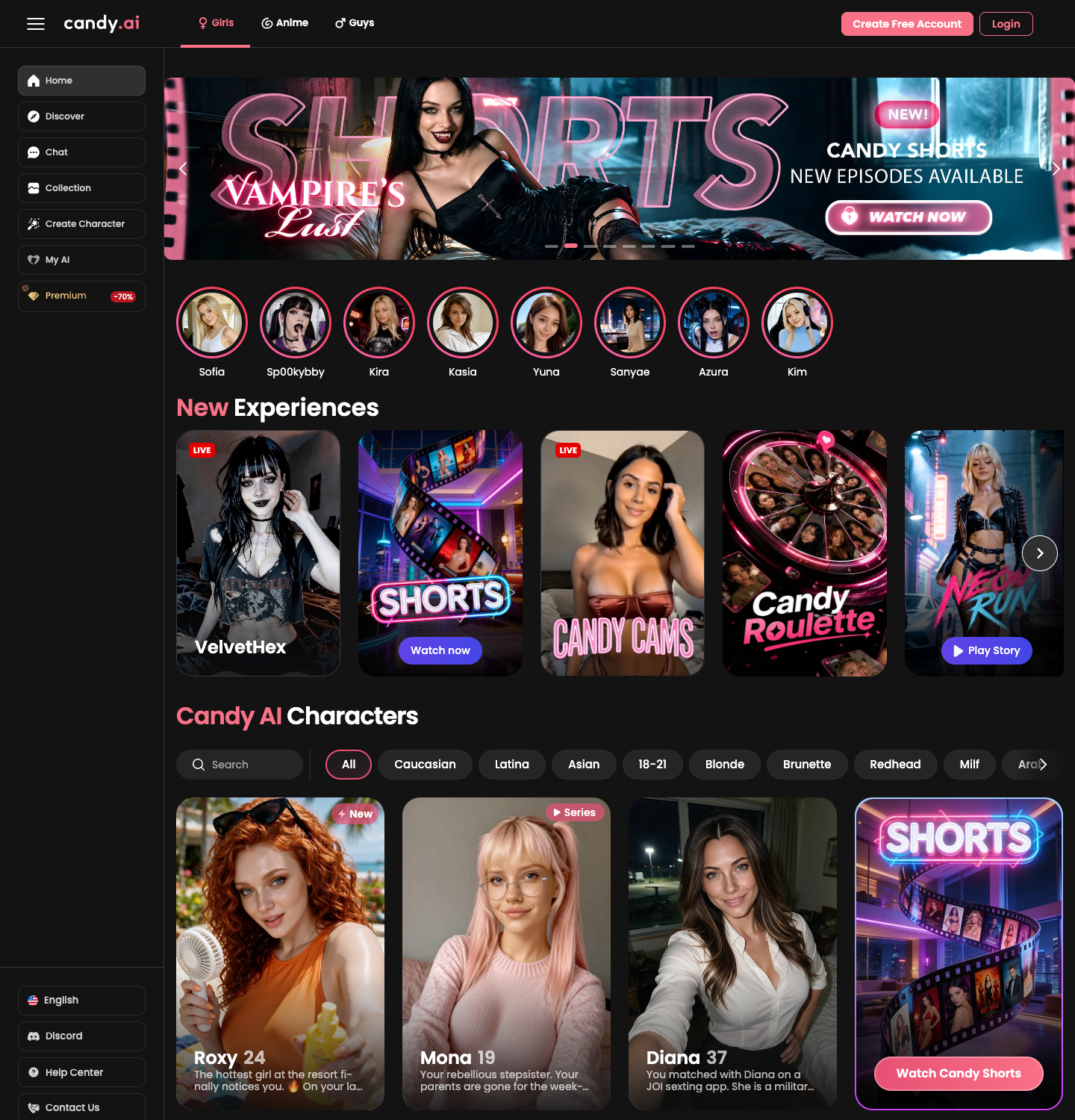
The classic model: a monthly or annual fee unlocks premium features. Candy AI, Nomi AI, DreamGF, and Replika Pro all work this way. Subscriptions are predictable when honest. The risk is everything around the recurring charge: promo rates that renew at full price, annual plans pre-selected at checkout, and cancellation flows that require more clicks than signup did.
2. Credit systems
You buy a pack of credits and spend them on premium actions: images, voice, special scenes. Swipey AI uses this model with its hearts system: free to start, then pay-as-you-go top-ups with no recurring commitment. The structural advantage is that spending stops when you stop; the one setting to check is auto-refill, which can quietly turn credits back into a subscription.
3. Hybrids
Some platforms charge a subscription and sell credits on top: a base fee for access, credits for generation-heavy features. DreamGF's subscription-plus-credits model is the textbook case. Nothing wrong in principle, but hybrids produce the most confusing statements, because two different charge types hit on two different schedules.

The five surprise charges we see most
| Trap | How it happens | Antidote |
|---|---|---|
| Silent trial conversion | "Free trial" auto-converts to a paid plan | Calendar the end date; cancel a day early if unsure |
| Default annual plan | Checkout pre-selects yearly billing | Read the plan toggle before paying |
| Auto-refill credits | Credit balance tops itself up when low | Disable auto-refill on day one |
| Renewal at full price | Promo month renews at the non-promo rate | Note the renewal price, not the intro price |
| Zombie subscription | Cancel in app, but the store subscription persists | Cancel where you subscribed (app store vs. web) |
The zombie subscription is the trap readers write to us about most. If you subscribed through an app store, the store owns the cancellation, not the app. Cancel there.
A clean-statement checklist
- Find the cancel button before you pay. If you can't locate cancellation in two minutes, don't start.
- Screenshot the checkout page. Price, plan, renewal terms: your receipt for any future dispute.
- Turn off auto-refill and auto-renew wherever the app allows it. You can always re-enable deliberately.
- Prefer pay-as-you-go while evaluating. Credits cap your exposure while you decide if an app deserves a bigger commitment.
- Consider a virtual card. A single-merchant card with a spending cap turns any billing fight into a non-event.
- Check your statement after the first cycle. One minute of review catches 90% of surprises while refunds are still easy.
If you cannot see the full cost before checkout, the app has already told you how it plans to treat you.
Dex Calloway, Lead Reviewer
What honest billing looks like
The good news: clean billing is easy to spot once you know the tells. The price is on the pricing page, not behind a signup wall. The renewal terms are in the checkout summary, not the fine print. Cancellation is self-serve. Credits show what each feature costs before you spend. Every app in our top-10 ranking gets checked against exactly these tells, and billing behavior is one reason positions differ between otherwise similar apps in our comparisons.
Before you pay for anything in this category, it's also worth running the broader five-minute vetting pass we covered in 5 Red Flags to Watch Before Paying for an AI Companion App. Billing is only one of the places a bad operator shows their hand.
FAQ
Why did my AI girlfriend app charge me more than expected?
The usual culprits: a trial that auto-converted, an annual plan selected by default at checkout, a promo subscription renewing at full price, or credits set to auto-refill. Check your subscription settings and original receipt to identify which, then disable the recurring part.
How do I cancel an AI girlfriend app subscription?
Cancel where you subscribed: app-store subscriptions in your Apple or Google settings, web subscriptions in the site's account or billing settings. A reputable service makes it one click. Screenshot the confirmation, and if no cancellation option exists, contact your card issuer.
Are credit systems safer than subscriptions?
Credits limit your downside because nothing recurs: you buy a pack, use it, and spending stops when you stop. Swipey AI's hearts work this way. Just check whether auto-refill is on by default, and turn it off if you want full control.
Should I use a virtual card for AI companion apps?
It's a sensible precaution with any new service. A virtual or single-merchant card lets you cap spending and kill the card if a merchant misbehaves. Many banks offer them free.
More from the Companion Review Collective
- For a direct app-vs-app pricing head-to-head, the spec sheets at AIGF Compared line the costs up side by side.
- Want the value scores behind the verdicts? See the feature-score leaderboard at CompanionRanked.
- Deciding what you actually need before you pay? The criteria-based testing at CompanionTested builds a shortlist from your must-haves.
Comments are moderated. Every comment here comes from a real visitor; we never seed fake ones.